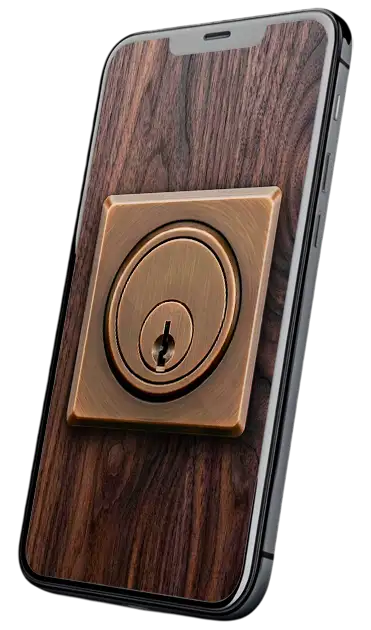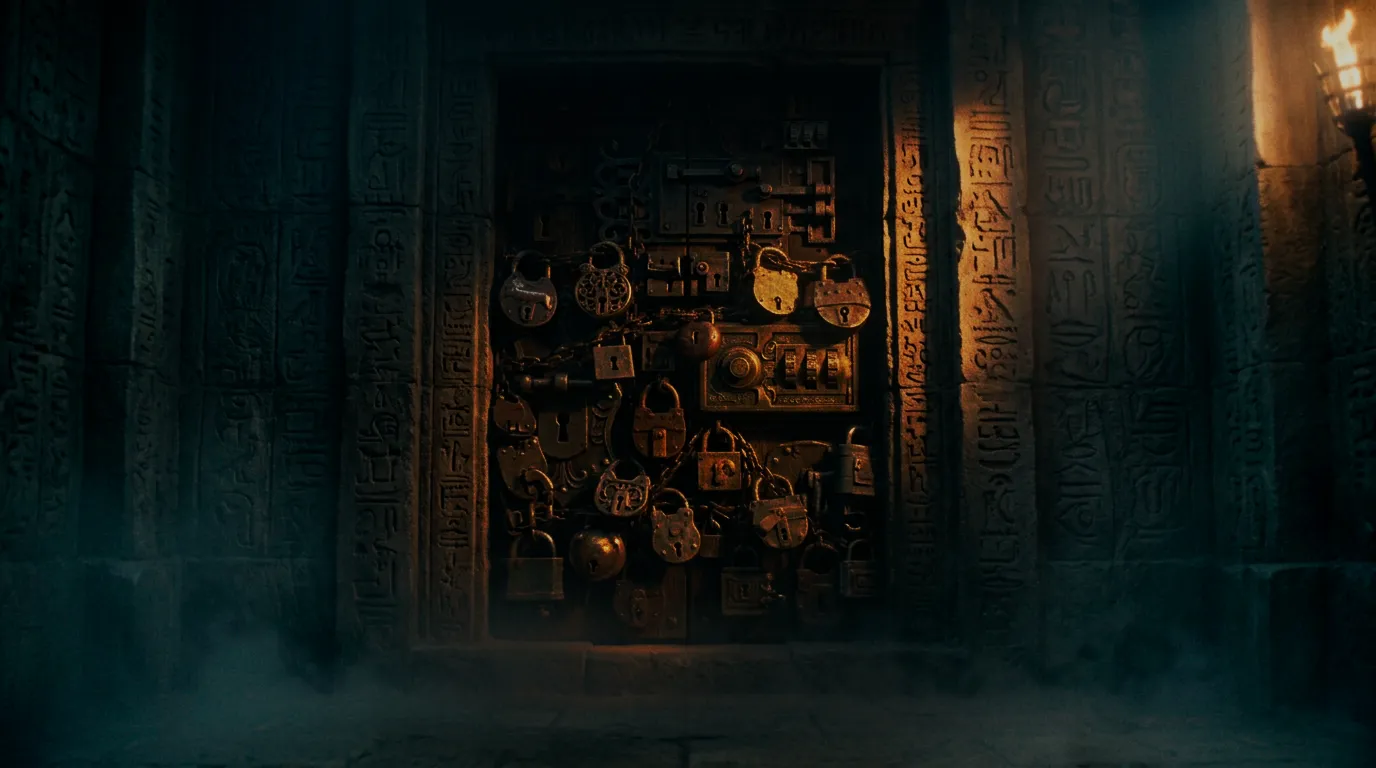
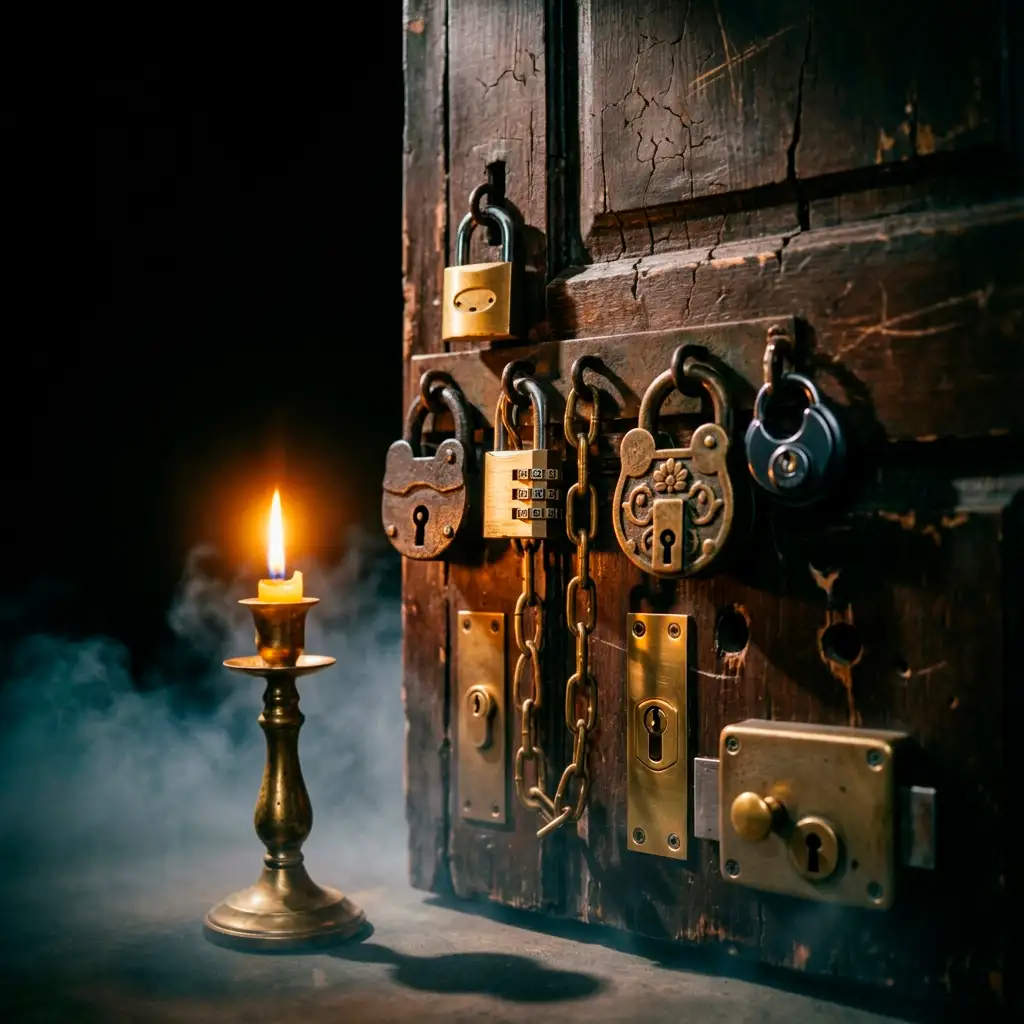
Not always available: Not every drawer, door, and container in your home has a built-in way to lock it. In addition, a padlock isn't always the best solution.
Invasive installation: If you finally install one, you'll have to drill doors or damage your furniture for something you might only use once.
Design rigidity: You might have a box with its own lock and key, but what if your theme is about pirates, gothic horror, or sci-fi?
Zero dynamism: A traditional lock doesn't emit special sounds, guide the narrative, or react with animations based on interaction.
Instant interactivity: Tapping on the lock or card reader image instantly brings up the PIN entry interface.
Quick and temporary setup: Simply attach a smartphone to a door to simulate a fully operational high-security panel. You can also let your players scan a QR code with their own phones.
Reconfiguration in seconds: Change the password and appearance as easily as editing a text file, as many times as you want.
Complete immersive atmosphere: Sound effects and a wide variety of backgrounds and locks. Tailor each lock to your exact theme.
An adaptable system created for Game Masters looking for maximum immersion with zero complications.
Use any text as a password. You can use numeric PINs, text passwords, a combination, or even non-Latin alphabets like Cyrillic, Arabic, or Chinese.
Customize the lock image, typography, and sounds to fit any setting. Choose a texture that matches the surface where the lock goes.
Featuring customizable animations and sounds when the correct or incorrect code is entered. Imagine a lock that screams in pain when your players fail.
Set a timeout so the screen reverts to showing only the lock if players walk away, keeping the look clean.
Upon unlocking access, you can automatically open a webpage that can contain things like: a secret document, a hint video, or a new digital puzzle.
Designed to work seamlessly on Android and iOS devices. You can set up your own device or let players use theirs to interact with the lock.
Click on the lock to bring up the password entry box. Enter the test code: 12345 or try an incorrect code.
This is exactly how your players will interact from a tablet or mobile phone.
This is its most basic version. If you want to see all its possibilities and how to integrate it into your scenarios, read on.

Upon completing your purchase, you will instantly download a ready-to-use package with the following resources:
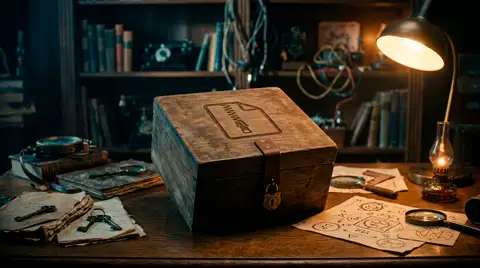
Contains the HTML application, scan and access sound files, and the step-by-step manual to get up and running quickly.
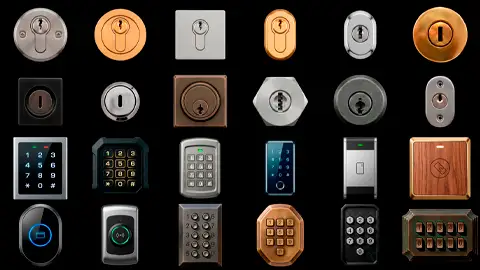
Includes 12 key locks, 4 smart card readers, 4 electronic numeric keypads, and 4 mechanical push-button pads for free.
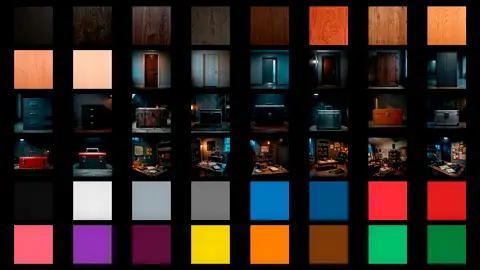
10 wood textures in different tones, 16 color textures, 4 doors, 12 containers, and 6 rooms to use as backgrounds.
Need a specific aesthetic?
No problem! The strong point of this application is its adaptability: you can upload a photo of your own door or surface or include a picture of a lock you liked and replace the audio files to match your game perfectly. Plus, I'll be adding new style packs soon.
Forget grabbing a power drill or editing complex code. You only need to change a few lines of text.
Open the settings file with a text editor (Windows Notepad or macOS TextEdit) and modify the values you need.
If you want, replace the lock image, door surface, or alarm tones with your own media files.
Upload the folder to your website or free hosting (see 3-minute video guide) and open the link (or scan a QR code) from your phone.

Questions during setup?
All apps come with an illustrated manual that explains step-by-step how to customize each option without complications.
View PDF InstructionsDon't have your own web hosting?
In the tutorial, I show you how to upload your digital lock to a free and permanent platform in less than three minutes.
View Tutorial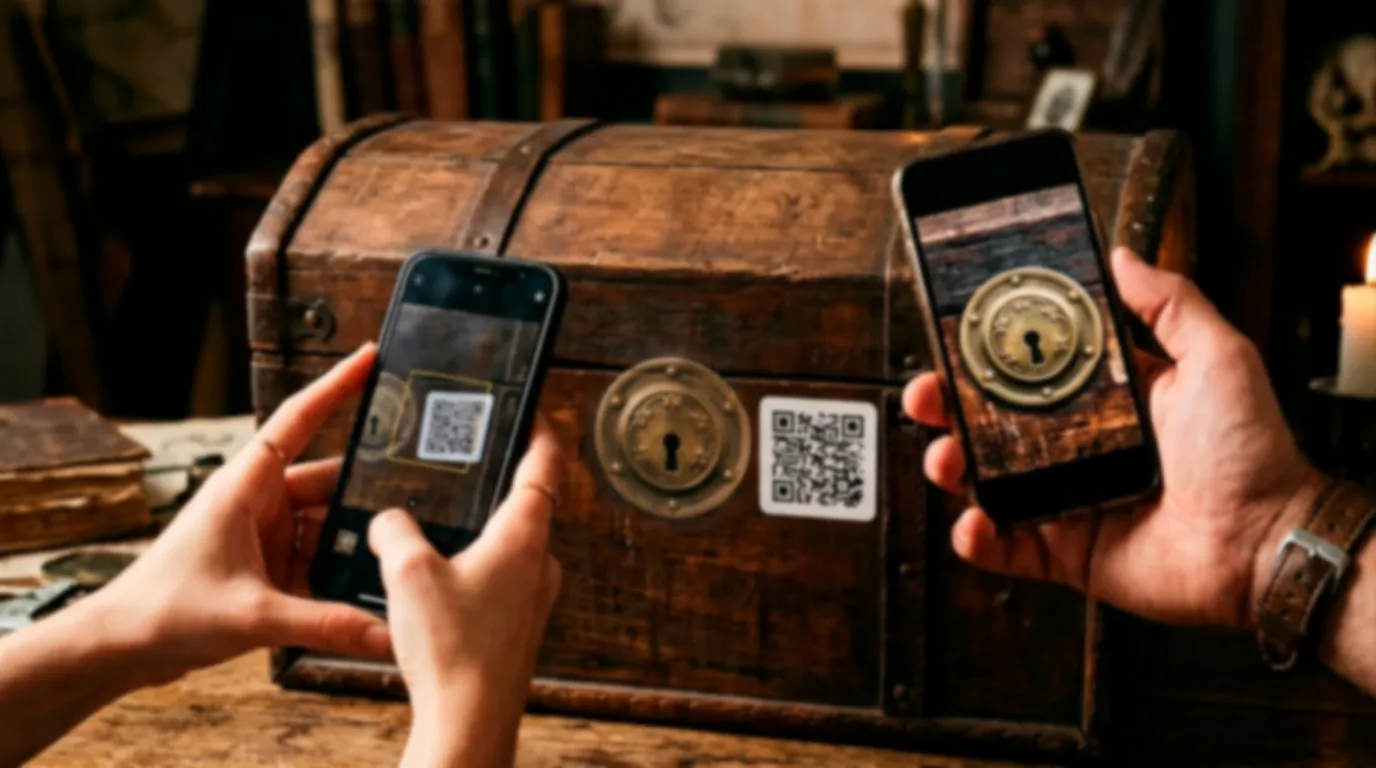
Let's look at your options when using this app:
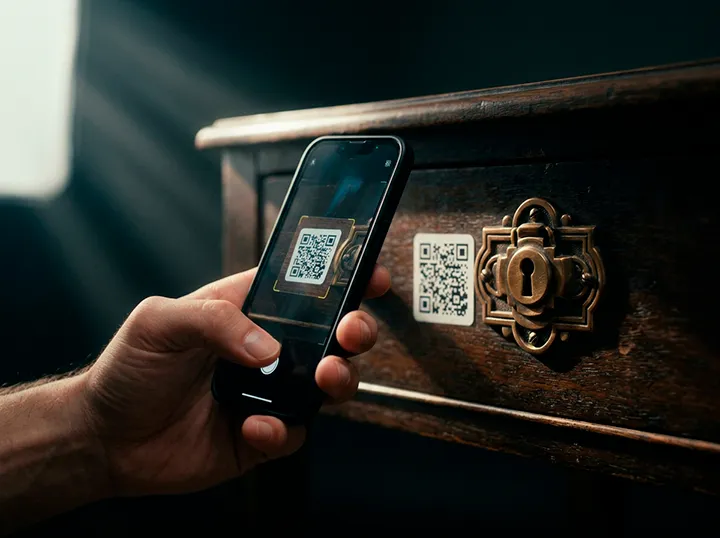
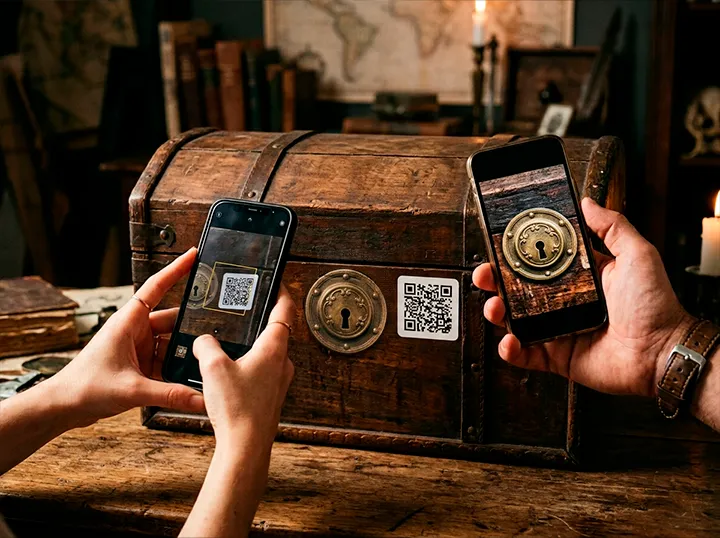
The first option is the simplest. If you have a drawer, door, or container that already has a lock whose key you've lost, or if you don't like it but want to use it in your adventure, you can paste a QR code right next to it.
When players scan the code, the lock will load with the appearance you've chosen.
You can use an old phone of yours and hang it from a door knob (using a strap case). Players will see the lock directly and can interact with it immediately. You can also tape the phone (choose a nice color) to a surface to keep it fixed.
If you're putting the lock on something disposable like a cardboard box, you can cut out a rectangle the size of the phone screen on the lid. Place the phone underneath and secure it with tape, leaving the lock visible.
This option is the most common and usually the easiest. Print the lock on paper at an appropriate size, cut it out, and glue it (with a school glue stick) wherever you need it. This way you won't have to use your own phone, plus you can add a lock anywhere you want.
I recommend using heavy-duty tape to prevent them from opening the door or container until they've entered the password. If you want, you can explain this before the game starts. Once they guess the access code, they can remove or cut the tape.
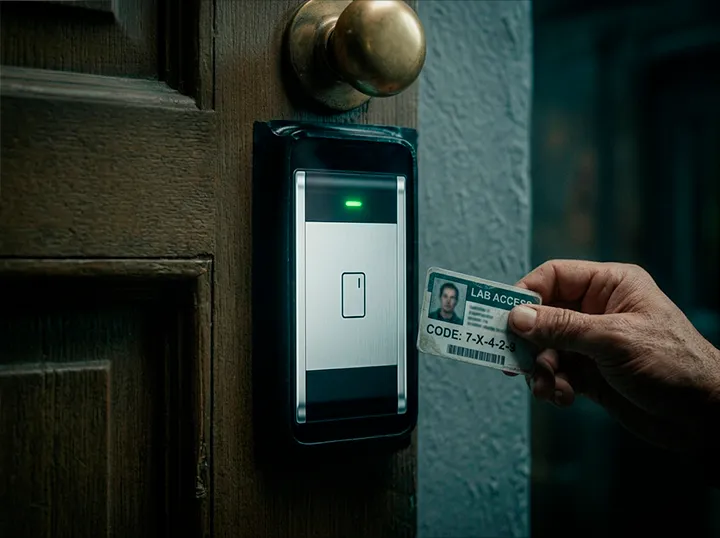
Want to simulate a high-security card pass? Hide an expired credit card with a code written on it somewhere in your escape room for them to find. You can use a design you like, paste it over the card, and trim it. Tapping the screen reader image will bring up a box where they must enter that password.
If you have a physical key you like or an old, worn-out one, you can attach a tag to it with the password you set in its configuration file. This way, players will have to use a physical object, enhancing immersion. The app's handling and sound effects will do the rest.
Not at all. Everything is configured by editing the settings.js file with a text editor like Notepad. You simply modify what you want and you're good to go.
Once uploaded to web hosting (see the tutorial), you have 2 options:
Remember that if your lock password involves trial and error, one of the major advantages is that multiple players can open and use the same lock simultaneously.
Yes. With a single purchase, you can duplicate the app folder as many times as you need, give each one a distinct name, and create different locks for your games.
No. I'm working on it, and it's one of the features I want to create in the future, but for now I've decided to build something that works via typed passwords.
In the meantime, you can use some expired cards you have around the house and paste an image on top of them that includes the lock's password. The feeling it creates is just as good.
No. Clicking on the keypad will bring up the usual text box. Later on, I want to create an app for mechanical and electronic locks that work by pressing buttons on the screen, but for now I think it's better to give you an application that works for all occasions. To achieve this, using typed passwords in a text box is best so you can simulate any type.
By using my free app for iOS and Android, the screen will stay on continuously and in full screen while the puzzle is active.
Get the complete application with all its graphic resources, audio, and guide right now.