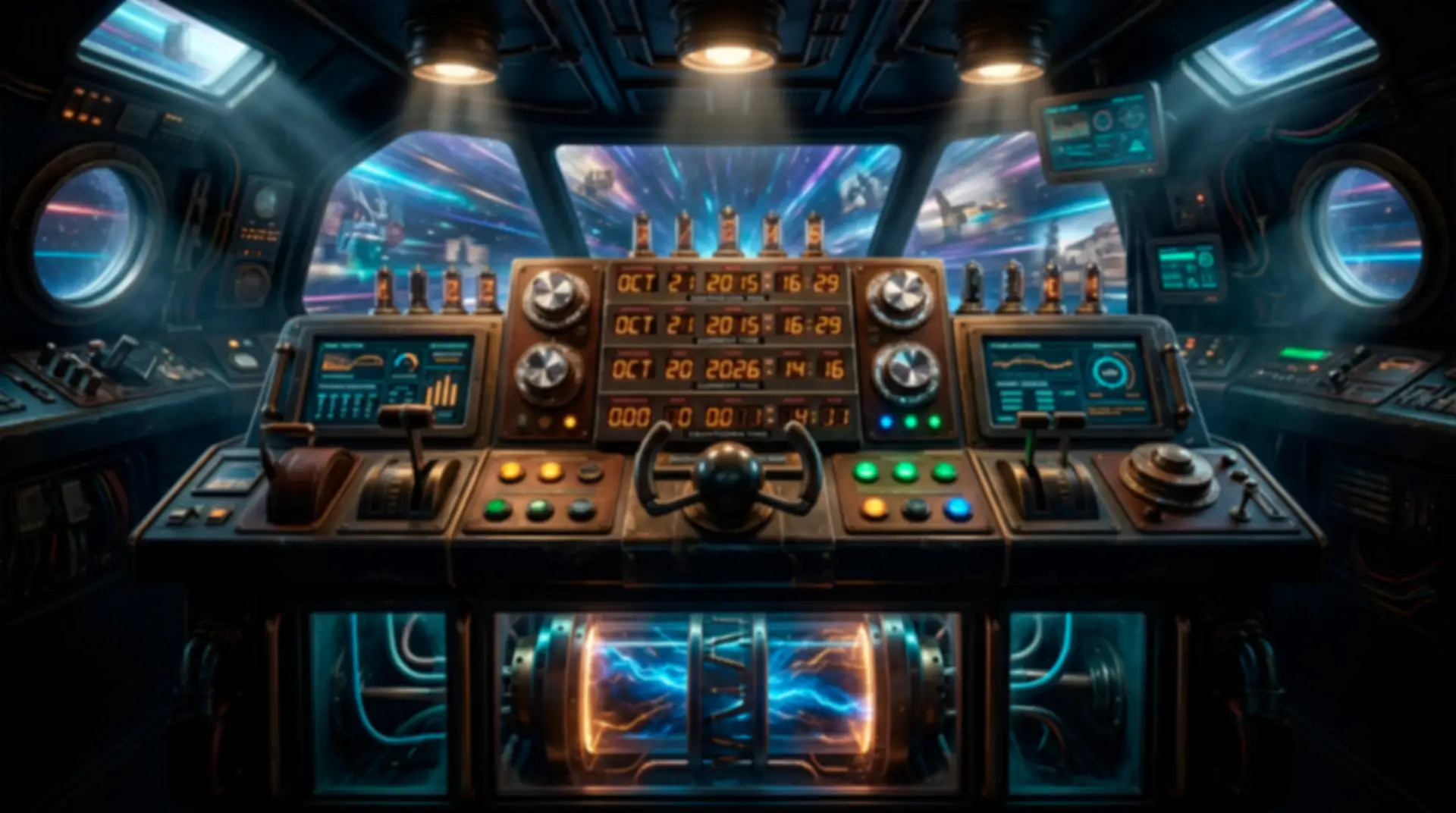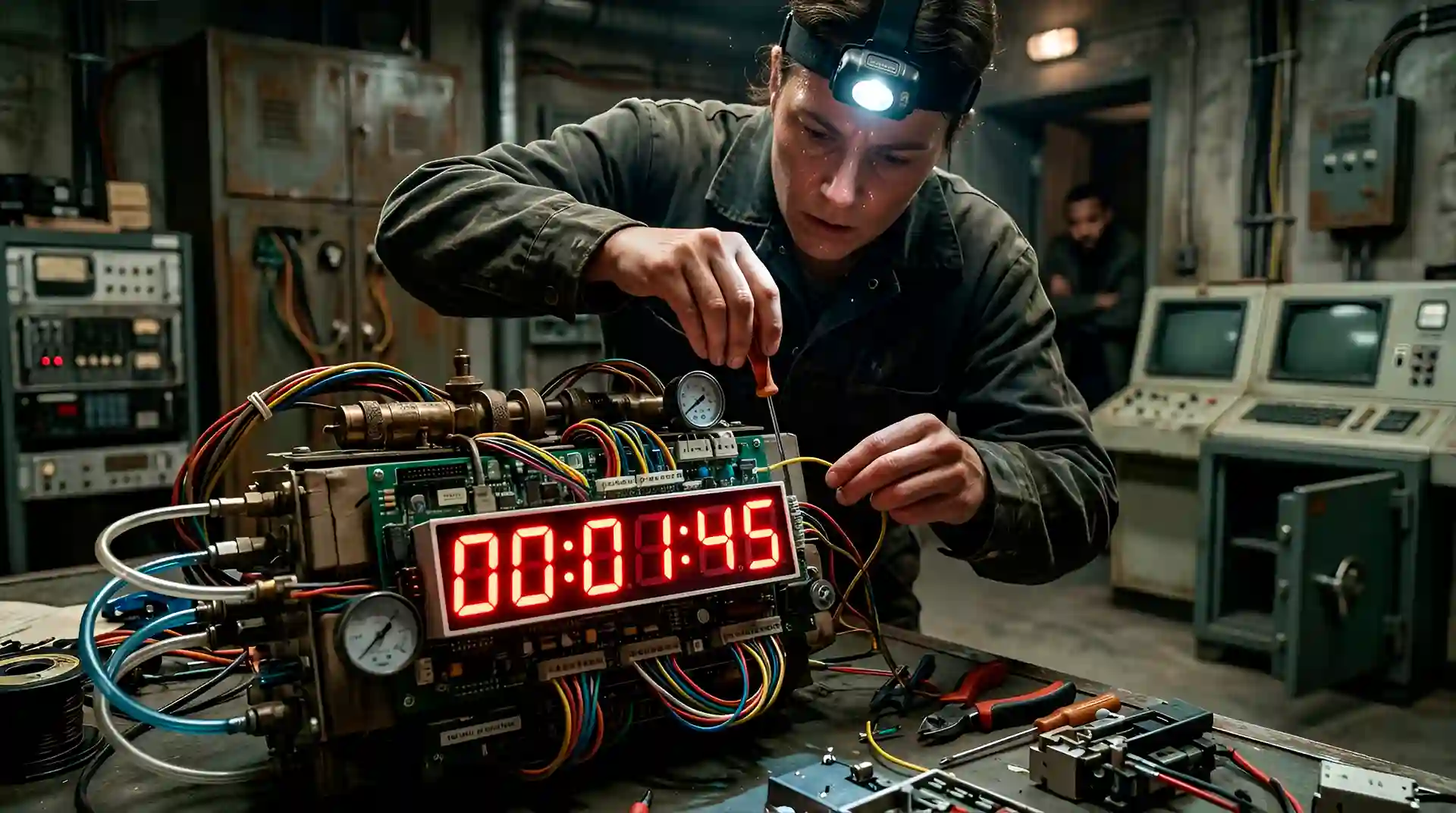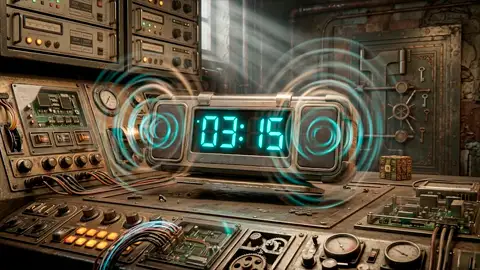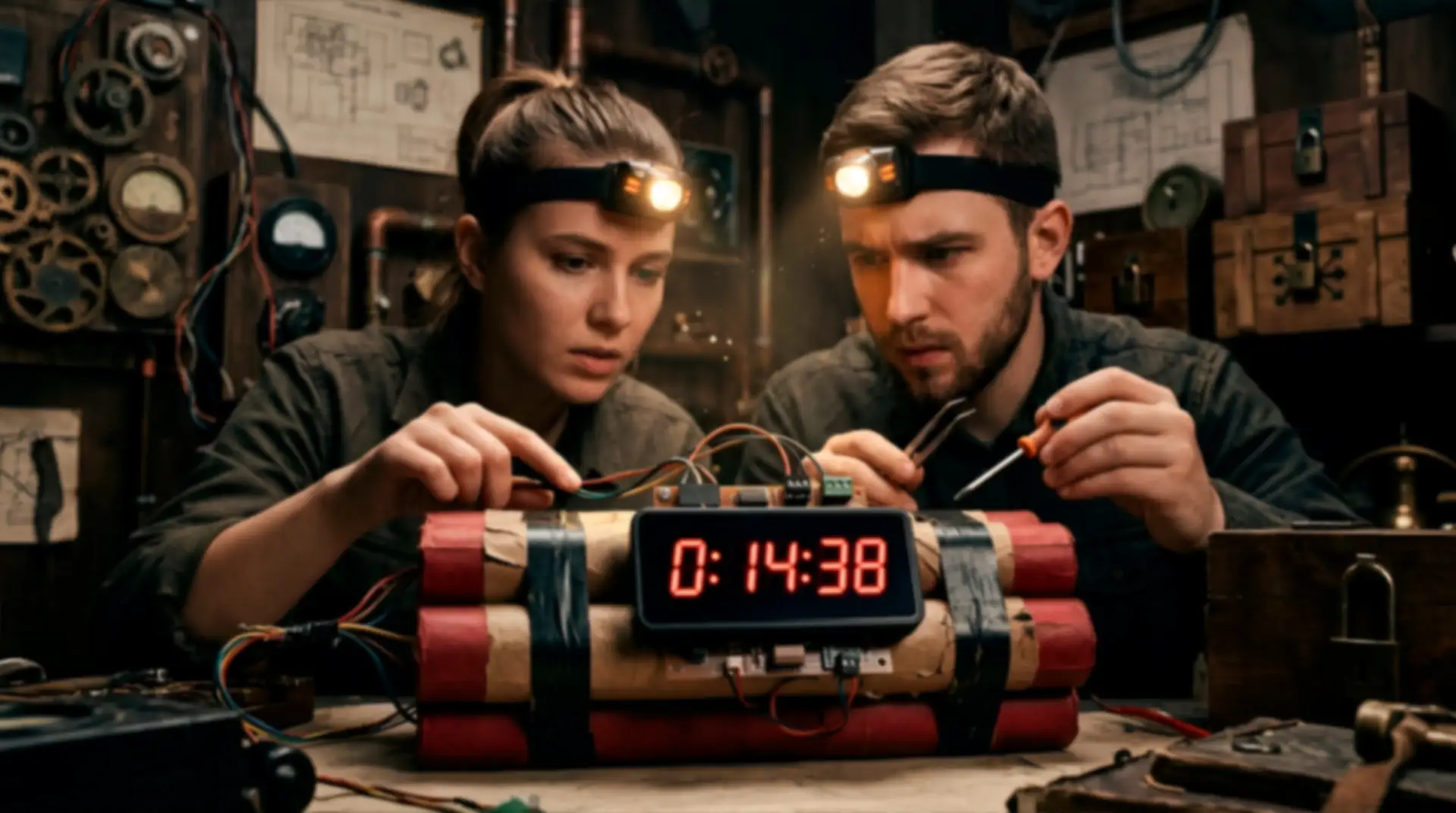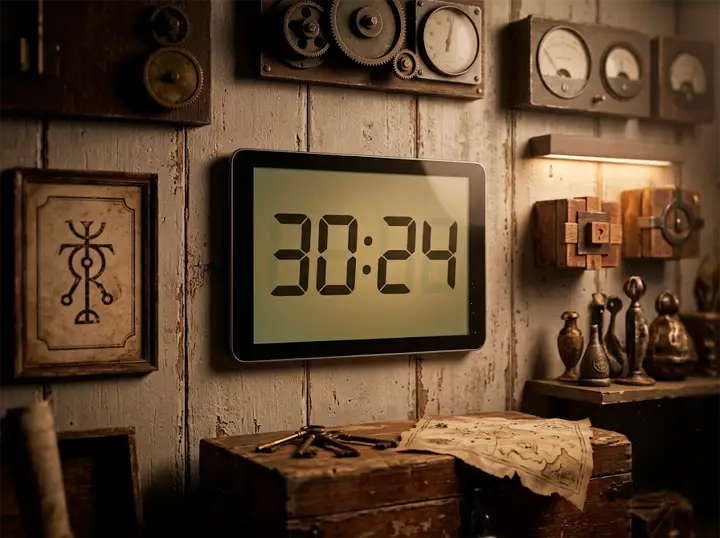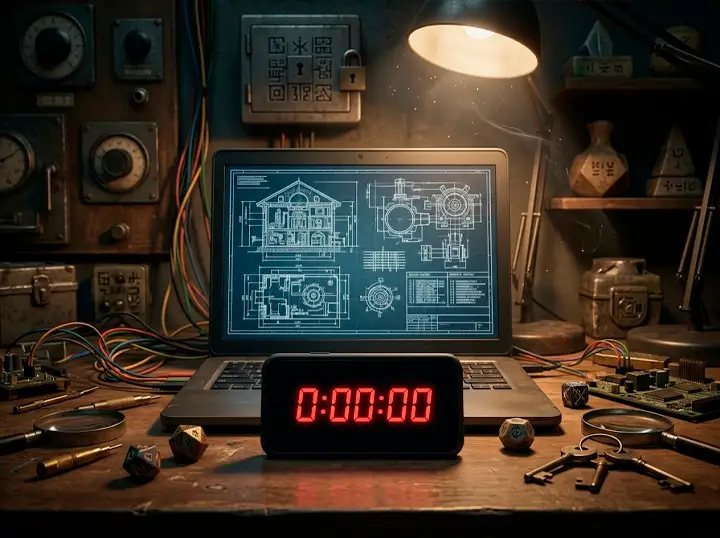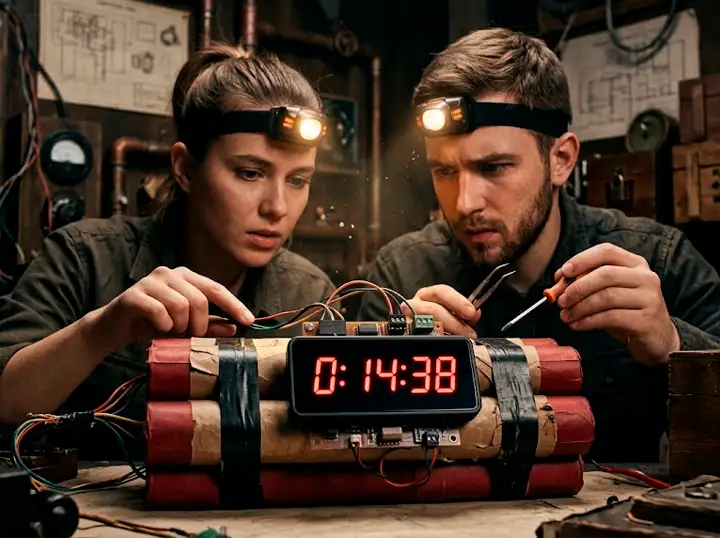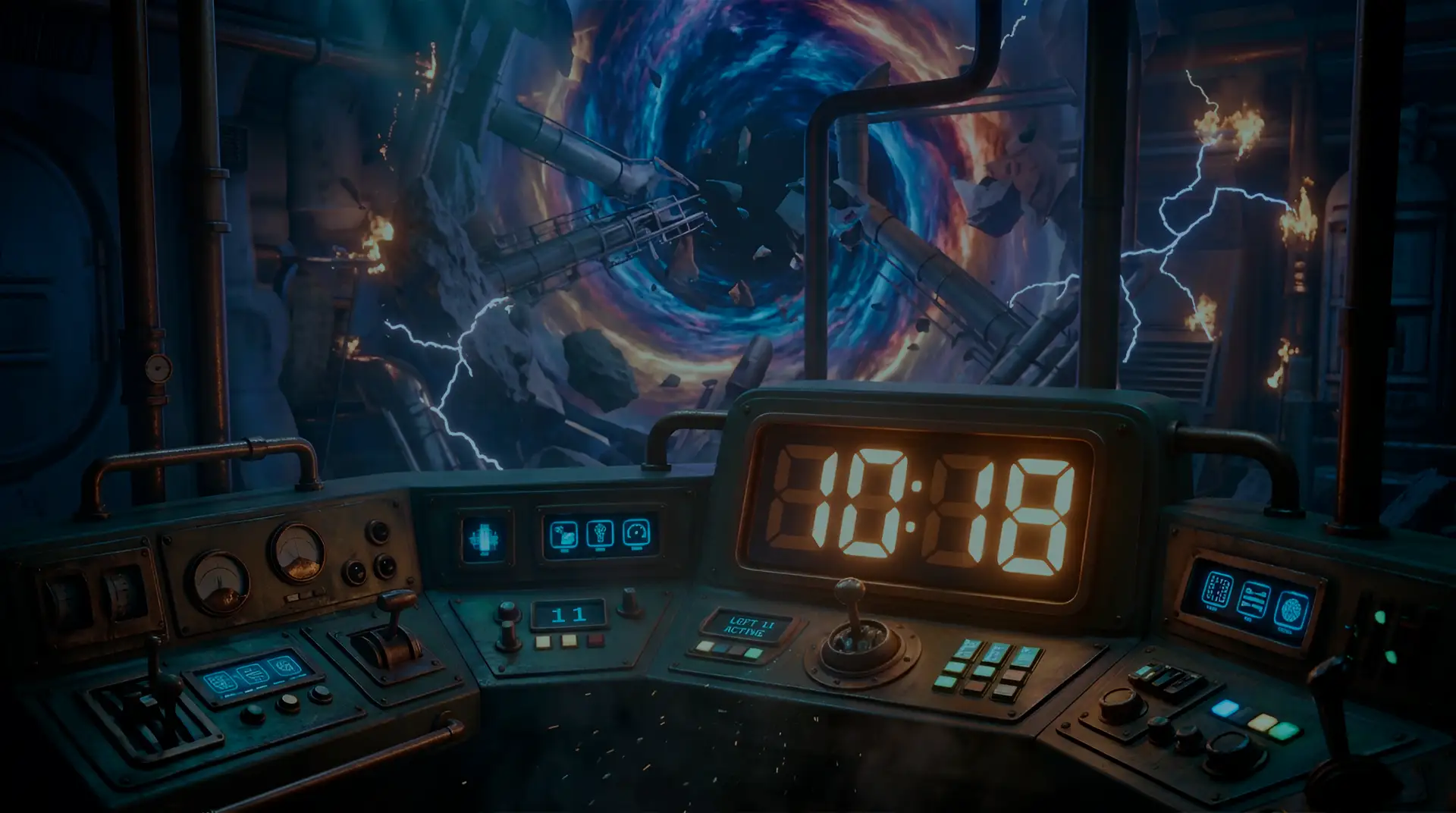
Hyper-realistic digital clock to track your escape room time or get your players sweating with a ticking bomb prop ready to detonate
Custom colors and fonts, heart-pounding tick rate acceleration in the final seconds, end-of-timer alarm, and a hidden Game Master control panel. All packed into an app that looks flawless on any screen.
Smartphones ruin the immersion: Using a basic phone timer shows notifications, icons, and real-world apps. Instantly, players are pulled out of the story and back into reality.
An anticlimactic ending: If time runs out without dynamic audio changes or a dramatic alarm cue, the final puzzle feels no different than the first. The climax fizzles out.
Expensive, bulky physical props: Real 7-segment hardware, standalone timers, or dedicated screens cost real money, require batteries, cables, and power adapters, and might only get used once.
Exposed GM controls: Pausing, adjusting, or resetting the clock in front of players ruins the magic. Plus, a generic clock interface breaks your game’s unique theme (military, cyberpunk, horror, lab).
Turn any display into a realistic prop: Tablets, smartphones, laptops, or external monitors. Full-screen mode delivers an authentic segment clock with realistic glow and zero extra hardware costs.
Escalating pulse-pounding tension: Ambient ticking, high-intensity accelerated ticking near the end, flashing displays, and a final alarm. You control the exact second panic sets in.
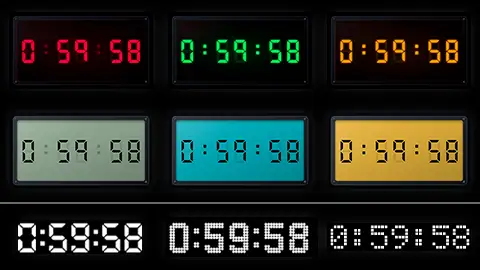
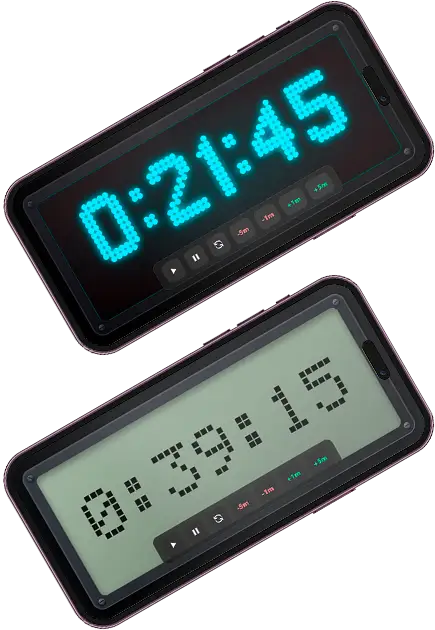
High-fidelity aesthetic options: Luminous LED or retro liquid crystal (LCD) modes with battle-tested color themes to match any genre.
Stealth GM controls & endless reuse: Triple-tap anywhere on screen to reveal hidden play, pause, and reset controls. One single purchase powers every event or scenario you ever run.
One single app works as the master room clock, a bomb detonator, or a timed puzzle countdown.
Instantly switch between high-brightness glowing segments and the muted look of classic liquid crystal displays. One prop, two distinct personalities.
Tested presets in red, green, amber, cyan, and purple for LED, or olive, teal, amber, gray, and bronze for LCD. Want something custom? Enter any HEX code and you're good to go.
A realistic, low-key background tick shifts to a fast, high-intensity sound when hitting your designated threshold, culminating in a dramatic final alarm sequence.
Set hours, minutes, and seconds independently. From a rapid 20-second panic challenge to a 90-minute main room timer regulating the entire game flow.
Three quick taps anywhere on screen reveal play, pause, and reset controls. Add or subtract time live without breaking immersion or revealing something important.
When the alarm finishes, automatically redirect players to a "Mission Failed" page, reveal the next clue, launch a video, or clear the screen to keep playing.
Launch the demo to test segment crispness, listen to audio acceleration in final seconds, and try the hidden control panel: tap the screen three times to pause, resume, reset, or adjust the timer just like you would during a live game session.
Shown above in classic Red LED mode. Scroll down to see how to customize styling completely for your room.
When you acquire this digital prop, you get instant access to everything needed to deploy it in your next session:
The full timer engine, stylesheets, configuration file settings.js, and a detailed PDF user manual explaining every single parameter.
Includes 4 ready-to-use fonts, LED/LCD mode toggle, and complete color customization (along with a list of pre-tested theme suggestions).
Standard background tick, high-tension tick, and final alarm sound files pre-loaded for immediate testing. Easily replace them whenever you want custom audio.
Need different sounds or visual styles for your narrative?
No problem! We include sample files so you can experiment with the prop right out of the box. Real immersion happens when you select a theme color that matches your room, integrate custom suspenseful background audio, and add tailor-made sound effects: military sirens, 80s computer beeps, or explosive detonations. That's where the magic is!
Zero coding experience required. Adjust your entire prop settings within a single text file.
Open with any basic text editor and change values following the = sign: duration, light or lcd mode, custom colors, intense tick threshold, and redirect URLs.
Copy custom files directly into your prop folder (WAV, MP3, or OGG for audio; WOFF, TTF, or OTF for fonts), test combinations, and clean up extra files. Ensure any file referenced in settings.js exists in the folder.
Upload the folder to your web host and open the link on your target device. Your room clock or ticking bomb prop is live! Use my QR scanner app to prevent display sleep modes.
![]()
Questions about setup?
Every app comes with a comprehensive PDF instruction guide walking you through every setup parameter and usage tip step-by-step.
View PDF ManualNeed web hosting assistance?
Watch our video tutorial to learn how to host your digital escape room web apps completely free in under 3 minutes.
Watch Video Tutorial
Here are the three most popular ways creators integrate this prop into their sessions:
Every 60-minute escape room needs a clear master timer. Display the app on a wall-mounted tablet or secondary monitor so players instantly know their remaining time without you calling out minutes.
Need to grant bonus time due to a technical glitch, or penalize players with time penalties instead of hints? Triple-tap the screen to bring up the stealth GM panel and adjust remaining time instantly without breaking character.
Signal game milestones that unlock clues, trigger new puzzles, deliver briefing updates, or mark room state changes.
Thanks to web redirection, hitting zero can automatically trigger custom messages, play cutscene videos, open dossiers, or display any web URL resource.
It is also possible to chain a sequence of events: after 20 minutes, the game master turns off one light; after 15, another; and after 10, the last one...
This is where this prop truly shines. Bold glowing red numbers and accelerated final ticking make the entire room hold its breath as someone cuts the wire.
Use highTickTime to define when panic starts: set to 30 seconds for a sudden brutal climax, or 60 seconds for extended cinematic tension.
When it reaches zero, the screen flashes and the alarm sounds but remember, you can fittingly replace it with the roar of an explosion.
![]()
Don't limit yourself to just a room clock. Specific puzzles work far better with dedicated timers: open the safe ahead of the doors being sealed, completing the hacking of a security system, or stabilizing a chemical compound before it turns volatile. You can set up multiple custom timers with different visual themes. Generate a quick QR code pointing to each timer URL so you or your players can trigger individual countdowns effortlessly.
Absolutely! All customization happens inside a single text file (settings.js) with clear comments explaining every value. Simply edit whatever comes after the = sign and save. If you can edit a basic text document, you can configure this prop.
Any device with a modern web browser and internet connection: tablets, smartphones, laptops, external monitors, and Smart TVs. As a lightweight HTML5 web app, there's nothing to install: simply open your link in full-screen mode to create a standalone prop feel.
Yes, all three! Audio in WAV, MP3, or OGG (standard tick, fast tick, and alarm), fonts in WOFF, TTF, or OTF, and colors using any HEX code. In addition, you get pre-tested color recommendations built-in for both display modes.
Easy. Convert your timer URL into a QR code and load it inside our web-based QR Scanner app for automatic full-screen display and stay-awake screen lock prevention.
Using the stealth gesture: three quick taps or clicks anywhere on screen open a floating toolbar with play, pause, reset, and time adjustment controls (+/-). Pause time while offering hints, reset for the next team, or sync events seamlessly without raising suspicion.
Get the complete digital prop package, sample audio & font files, and step-by-step setup guide. Stop treating time as an afterthought to make it the main villain of your story.