3 or 4-digit limit: They force you to adapt your clues to the padlock format instead of creating creative puzzles using words, dates, or phrases.
They destroy the atmosphere: A DIY brass padlock doesn't fit in a cyberpunk spaceship, a magic grimoire, or a horror mansion.
Cost and repetition: Buying multiple physical padlocks for a game requires time and budget. Additionally, they're always the same.
Passive response: A metal padlock doesn't emit atmospheric sounds, provide visual feedback, or redirect players to the next phase.
Absolute password freedom: Use numbers, proper names, dates (06-15-79), symbols (#@!$%^&*()), or compound words (Strawberry cake).
Total thematic blending: Change backgrounds, typography, and the padlock image itself to integrate it into any game genre.
Single file, infinite games: Reuse it across as many escape rooms as you design without spending evene a single cent.
Immersive audiovisual experience: Sound effects, shake error animations, success glow, and auto-hide timer.
A digital prop designed specifically for Game Masters looking for visual impact and functional versatility.
Forget numerical restrictions. Accept numbers, text strings, special keyboard characters, and even non-Latin alphabets.
Replace the padlock image, adjust backgrounds, link Google Fonts, and change error and unlock sound effects in seconds.
Generate a shake animation with sound for incorrect codes and a progressive green glow upon solving the puzzle.
Configure inactivity seconds so the padlock window closes itself if players walk away from the device, keeping the screen clean.
Upon unlocking the code, optionally redirect players to a hint video, a secret form, a PDF, or the next web phase of the game.
Loads smoothly on smartphones, tablets (iOS and Android), laptops, or dedicated monitors installed in the room.
Click on the padlock in the simulator to bring up the entry box. Enter the test code: 12345 or try an incorrect one.
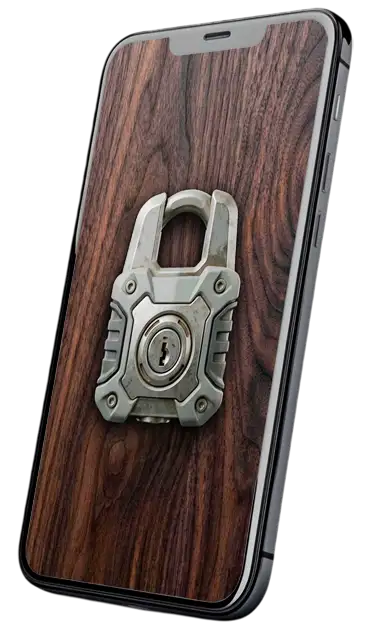
Just like it's shown here is how it will look on a mobile phone.
This is its most basic version. If you want to see all its possibilities and what it can look like, read on.

Upon making your purchase, you will automatically receive a compressed file with all this:
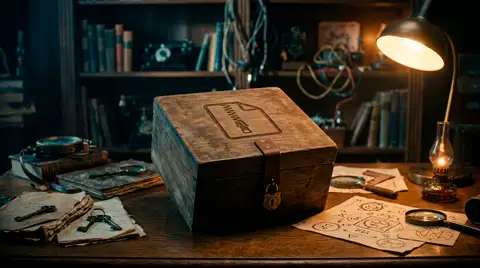
With everything you need to run any digital padlock you can imagine. Also instructions and sound files.
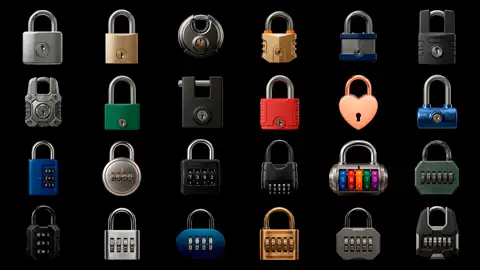
Includes 12 key padlocks, 6 numeric combination padlocks, and 6 letter padlocks for free. In different styles, designs, and colors.
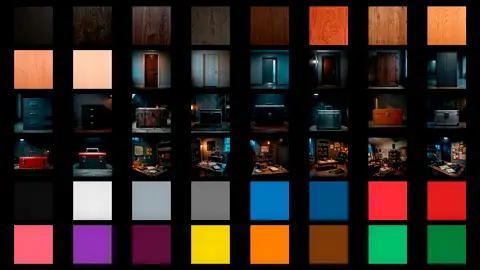
10 wood textures in various tones, 16 color textures, 4 doors, 12 containers, and 6 rooms to use as backgrounds.
Doesn't include the style you're looking for?
That's normal. It's impossible to cover every class and theme. I've only included a sample. However, that shouldn't worry you. That is the true potential of this padlock: that you can use your own images and sounds. Plus, I'll be releasing a package to cover new themes shortly.
No programming knowledge needed. Just edit a plain text file.
Open the file with any basic text editor (Windows Notepad, macOS TextEdit, or VS Code) and modify the values indicated between quotation marks.
Replace the padlock image, background, or success and error audio with your own media files to adapt it 100% to your room's atmosphere.
Upload the folder to your web hosting (watch video tutorial in under 3 minutes) and print a QR code with the link. Just scan it to use!

Worried about anything else regarding setup?
All digital accessories include a comprehensive instruction manual that teaches you step-by-step how to configure your puzzle easily and quickly.
View PDF InstructionsDon't have hosting to upload the digital padlock?
Take a look at the tutorial. You'll see that in just a few minutes you can upload your padlock to permanent hosting for free.
View Tutorial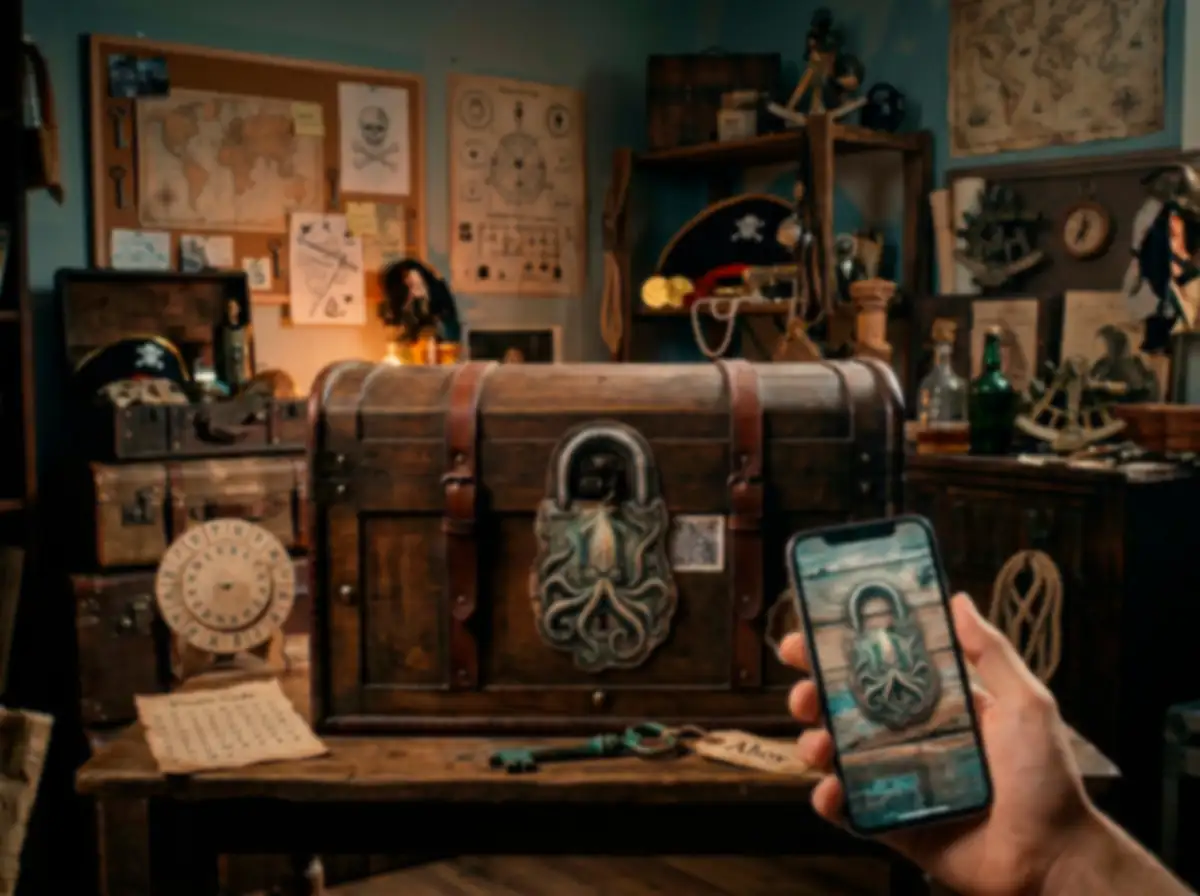
Let's look at your options when using this app:
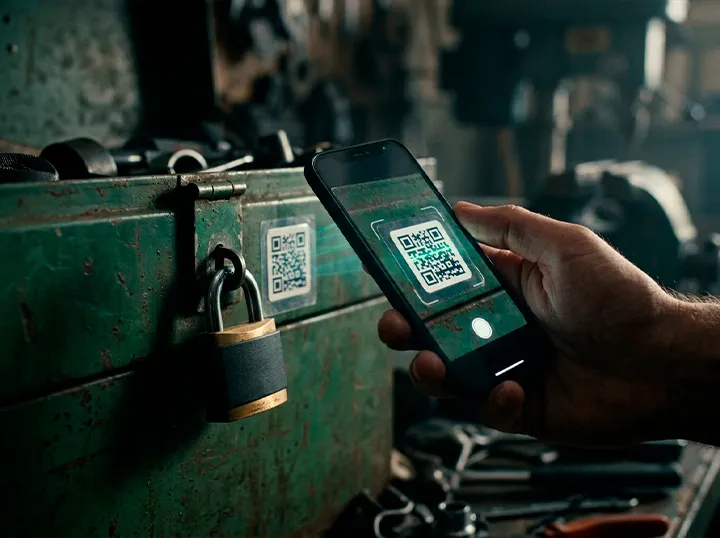
The first option is the simplest. If you have an old padlock but have lost the key and still want to use it in your escape room, you can paste a QR code right over it or nearby.
When your players scan the code, the padlock will load with the style you configured.
You can use your own phone to hang it from a door handle (using a lanyard case). Players can interact with the padlock quickly without scanning a QR code, but you will need to dedicate a device for it.
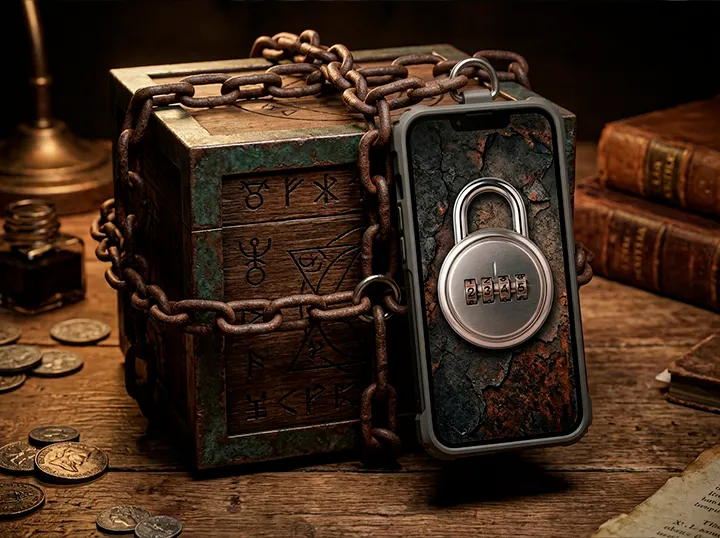
You can also tape the phone (choose an appropriate color) to a surface to keep it secured or even hang it from a chain like in the image.
This is usually the fastest and most common method. Print the padlock on paper, cut it out, and paste or hang it wherever you're going to use it. By avoiding the need for your own device, you can add a padlock anywhere.
It's not strictly necessary, but it's recommended to prevent them from opening your box by placing a small strip of tape over the opening slit. That "prevents" it from opening accidentally until they guess the password. You can mention this before playing, and once they hit the exact code in the app, they can remove the adhesive to access the inside.
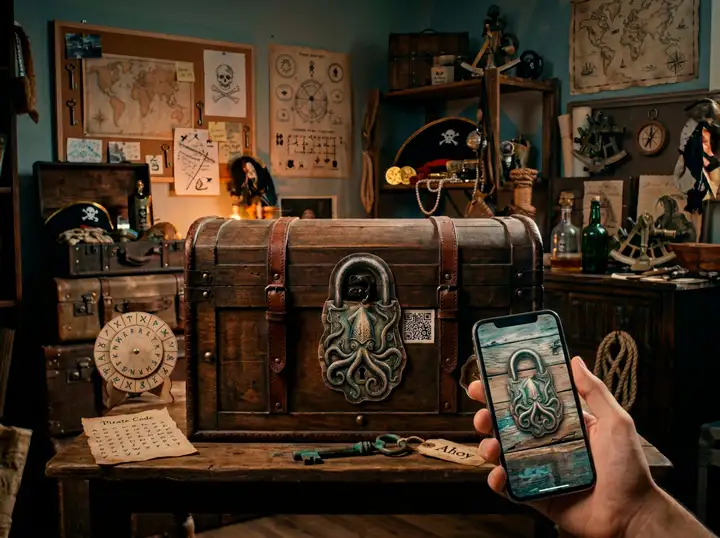
Want to "lock" a book and don't know how? This is your chance to secure that prized grimoire you've always wanted to use! Got a chain or a rope with rings? If you cut out the shackle of the printed padlock, even if it's paper, you can slide it through any link, hoop, ring, or buckle.
You can use your own keys lying around the house, perhaps an old one, and attach a tag to it with the code you configured in your digital padlock so players feel like they're truly using a physical object. Even if it doesn't open anything, the interaction with the app and the sound will do the rest.
Not at all. You just need to open the settings.js file with Windows Notepad or Mac TextEdit, type your password between the indicated quotation marks, and save the file.
You upload the puzzle files to web hosting (there's a very easy-to-follow step-by-step tutorial) and generate a QR code with the link. Players scan the QR with their mobile camera or the Lock&Puzzle app and access it instantly.
Of course. Plus, you can also create as many as you want having purchased a single license for this padlock. If you want, you can completely dispense with traditional physical padlocks and replace them with this application.
If you use my free companion app for iOS and Android, the screen will stay on continuously in full screen while the puzzle is active.

Get the complete file with all visual resources, sound effects, and the setup guide in minutes.